Asks & Offers
Asks & Offers is your chapter's board: members post what they need, or what they can give, and members who can help reply privately. There are no public comments.
Reading the board
The board lists open posts from the last 30 days, newest first. Use Everything, Asks or Offers to filter it, or search titles and details. Yours lists your own posts, open or not.
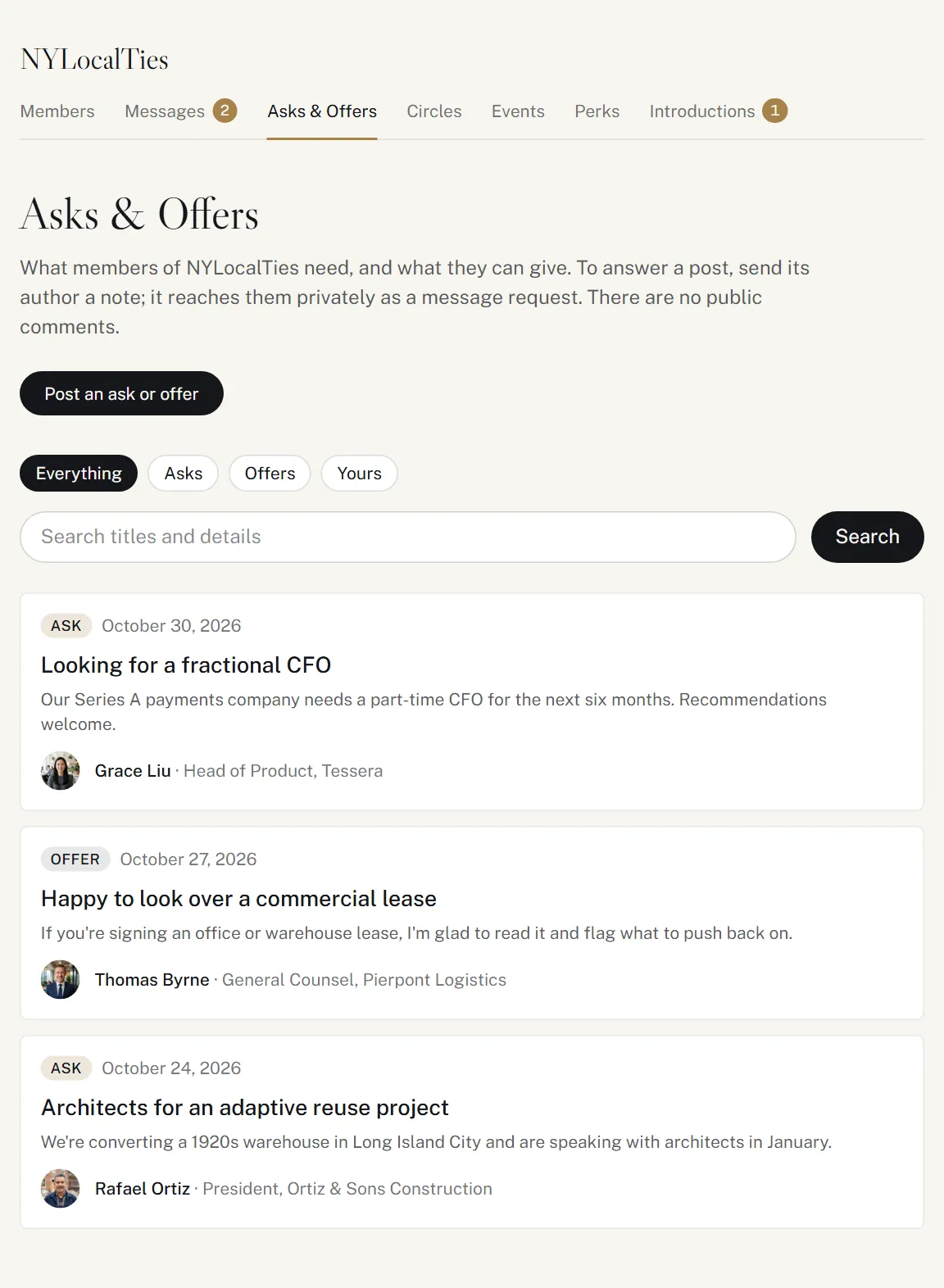
Posting
- Click Post an ask or offer.
- Choose An ask (something you need: an introduction, advice, a supplier, a hire) or An offer (something you can give: expertise, space, tickets, an introduction).
- Give it a Title (up to 120 characters) and Details (up to 1,000).
- Click Post it.
Members of your chapter see it. It stays up for 30 days, or until you close it, and you can have 5 up at once.
If your profile is set to Ghost, you can read the board but not post: nobody could see your post or reply to it.
Replying to a post
On a post, click I can help (on an ask) or I'm interested (on an offer), say how you can help or why you're interested, and send it.
Your reply reaches the member as a message request with the post attached, so only they see it, and the same limits apply: up to 10 requests waiting at once. If you're already talking to them, you reply in your conversation instead.
Replies to your posts
Your post shows how many members have replied. Their replies come to you as message requests in Messages, and we email you about each one.
When you have what you need, click Close this post. It leaves the board for good, and the replies you have stay in Messages.